

Mobile
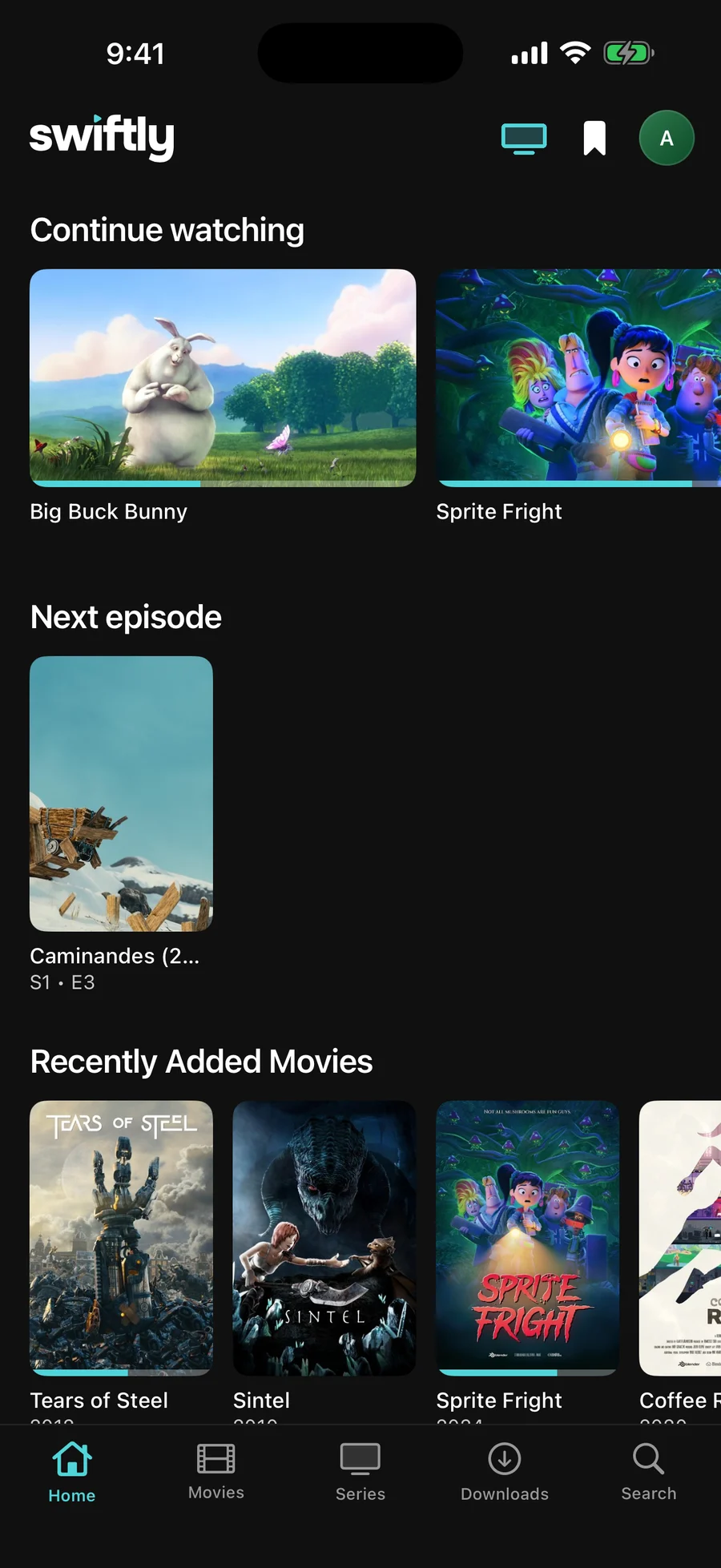
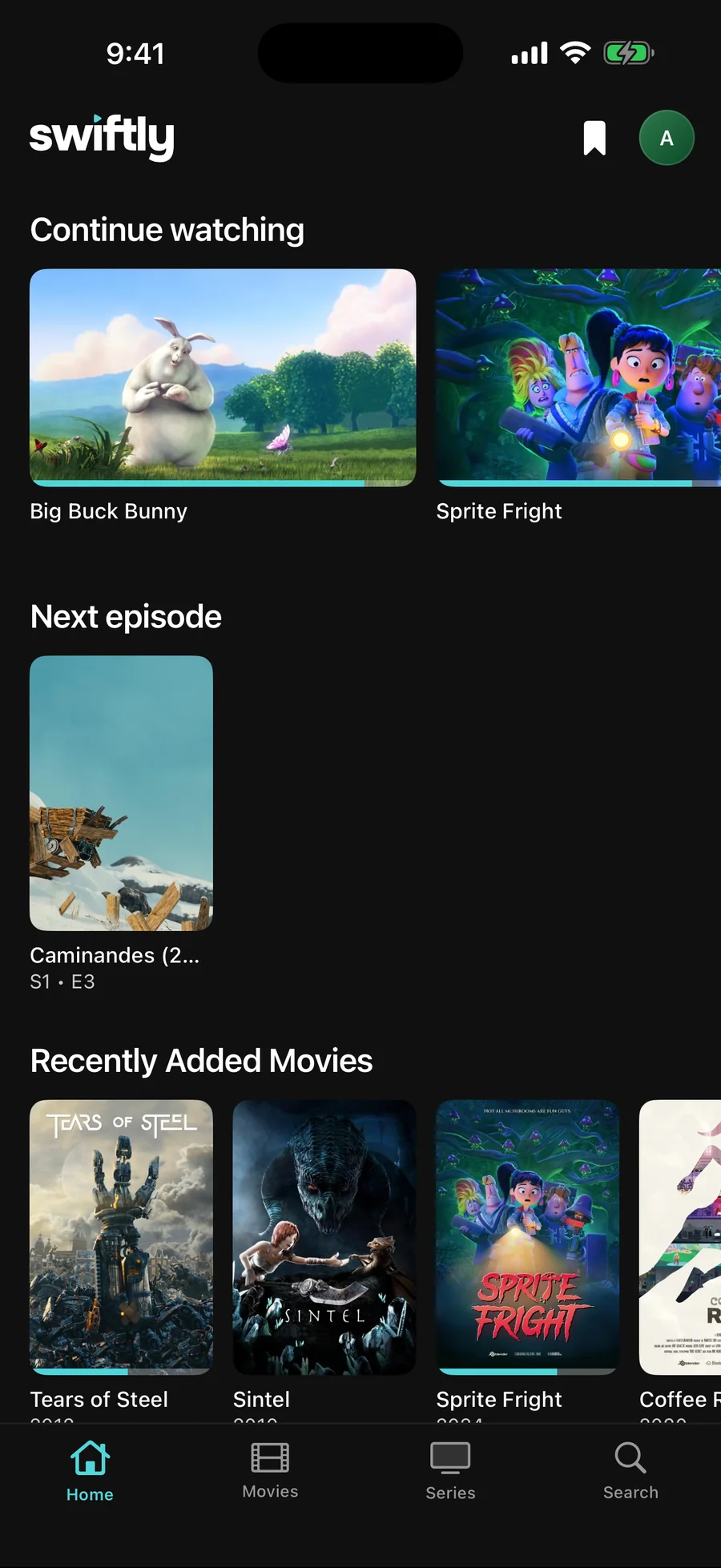
Keep the film in a corner, download it for the train, sign in with six digits.
iOSiPadOSAndroid
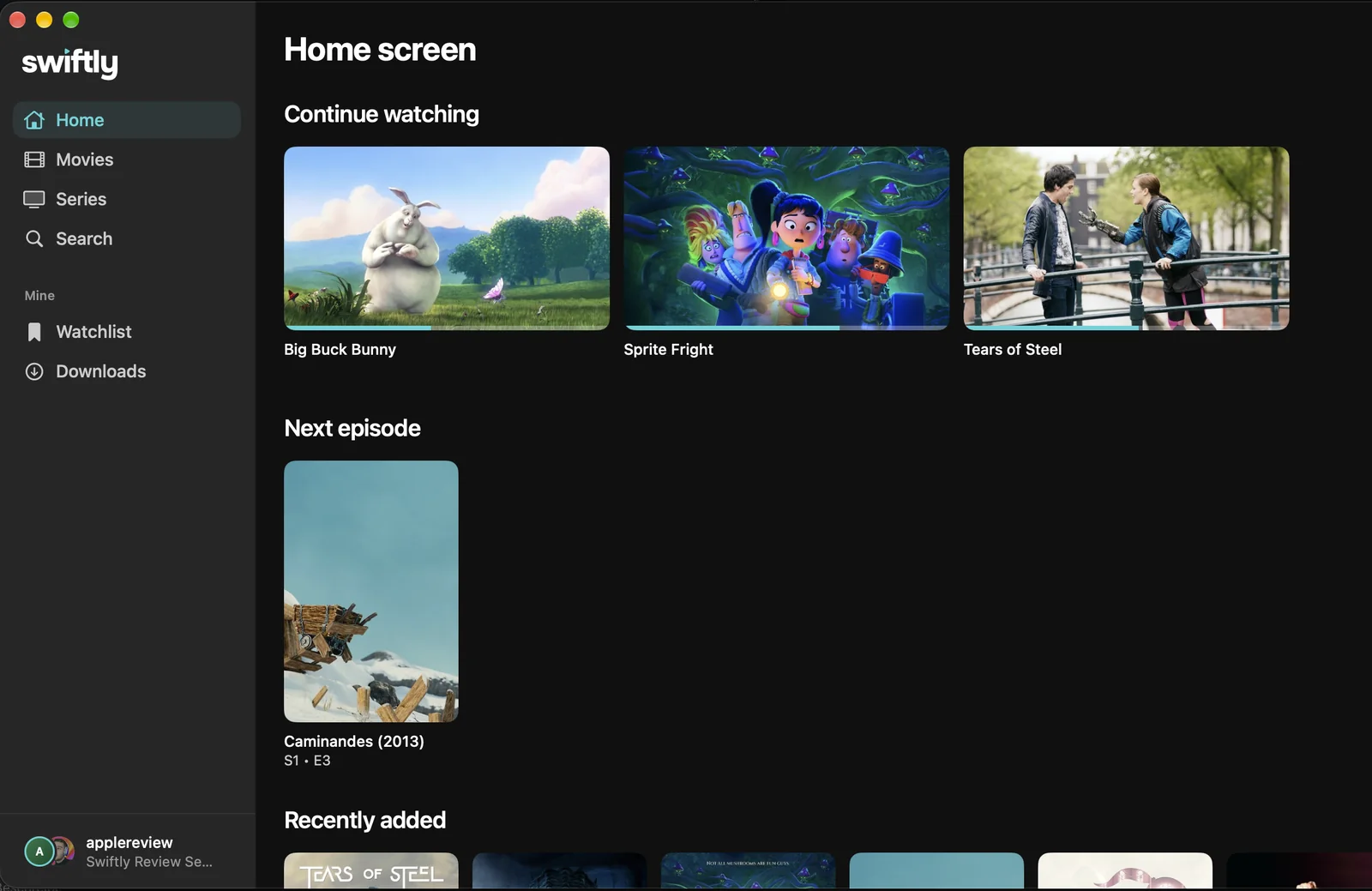
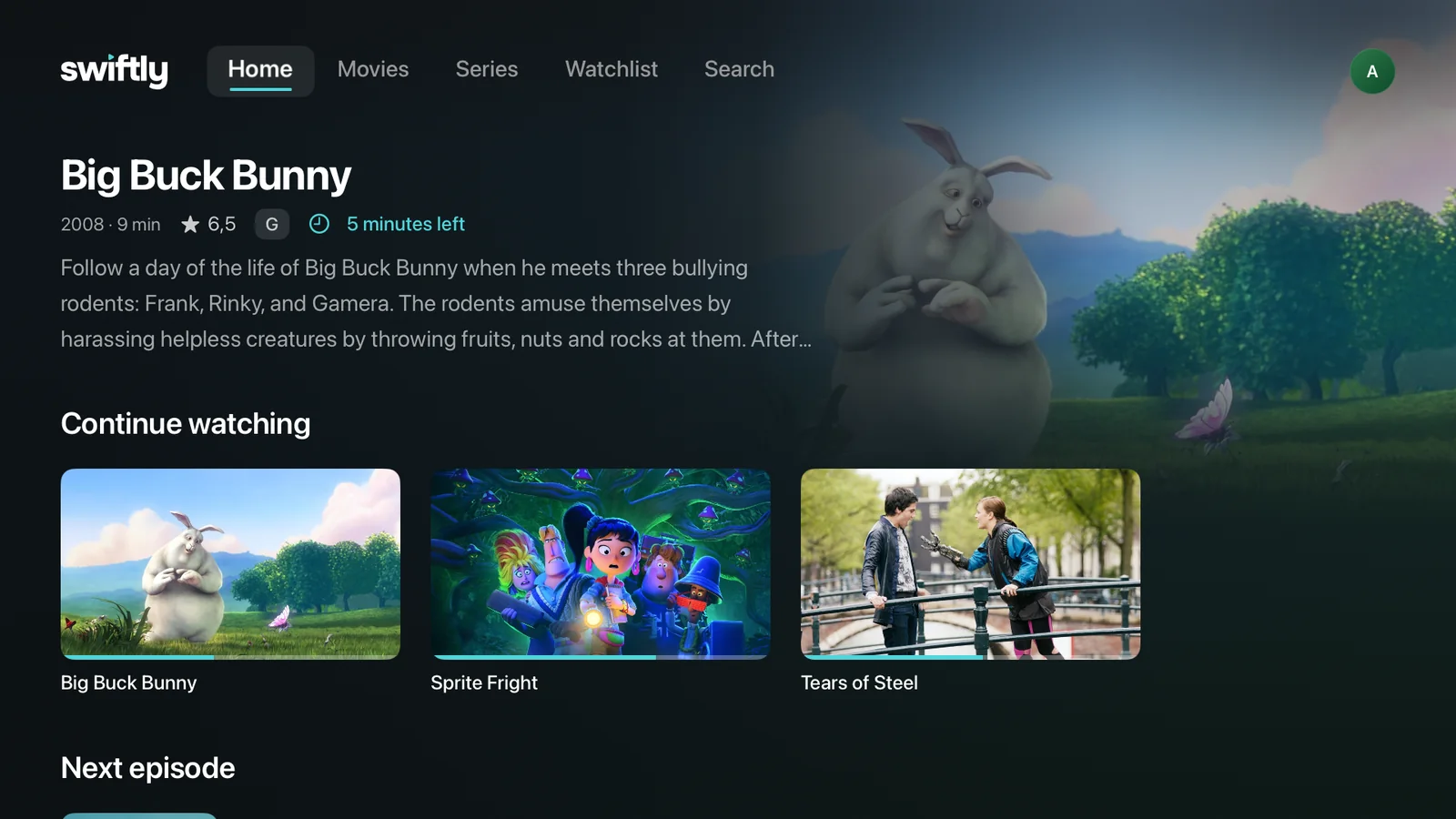
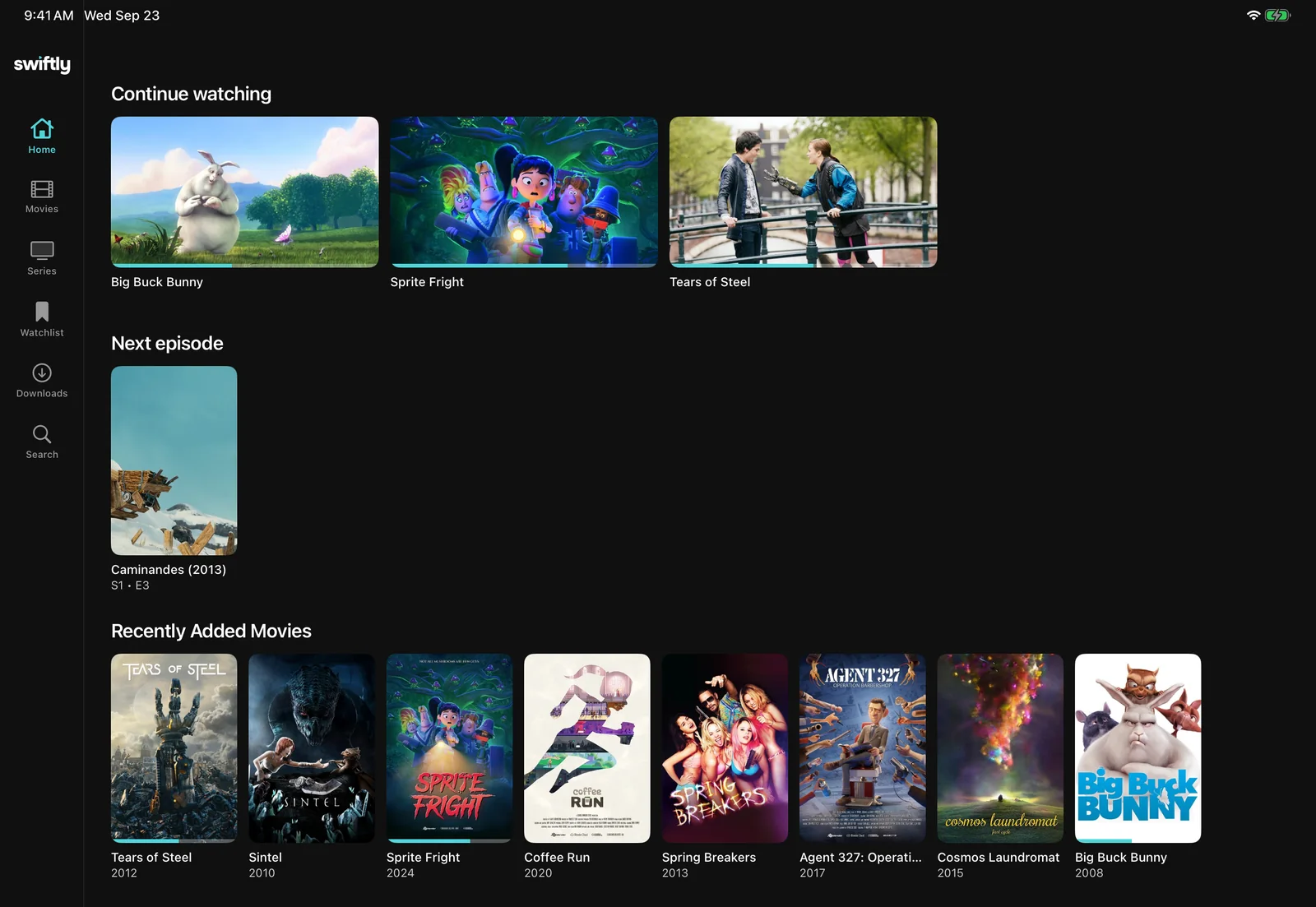
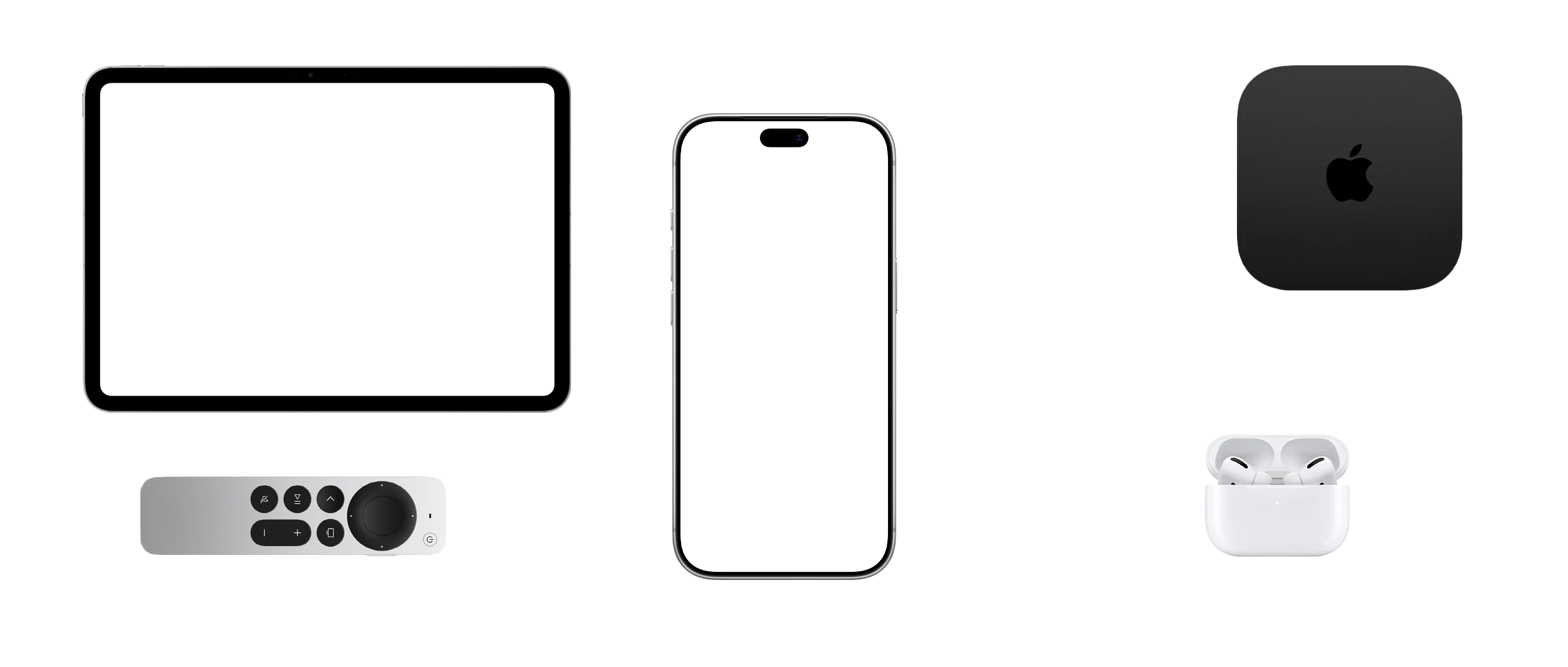
One App Store download for iPhone, iPad, Mac and Apple TV. The same player on Android, Windows and Linux.
Keep the film in a corner, download it for the train, sign in with six digits.
Six digits from a browser sign you in. Every Apple TV user gets their own Jellyfin account.
Menu bar and keyboard shortcuts on the Mac, the same player on Windows and Linux.
Many players ask your server for a smaller, re-encoded copy. Swiftly plays the file you have. Move across the frame.

Five things you notice in the first week. Each one recorded in the app, not drawn.
Keep the film in a corner. iPhone and iPad only.


Start a film on the phone at dinner and carry on in the living room. The moment another device is playing, a badge appears on the one you pick up.
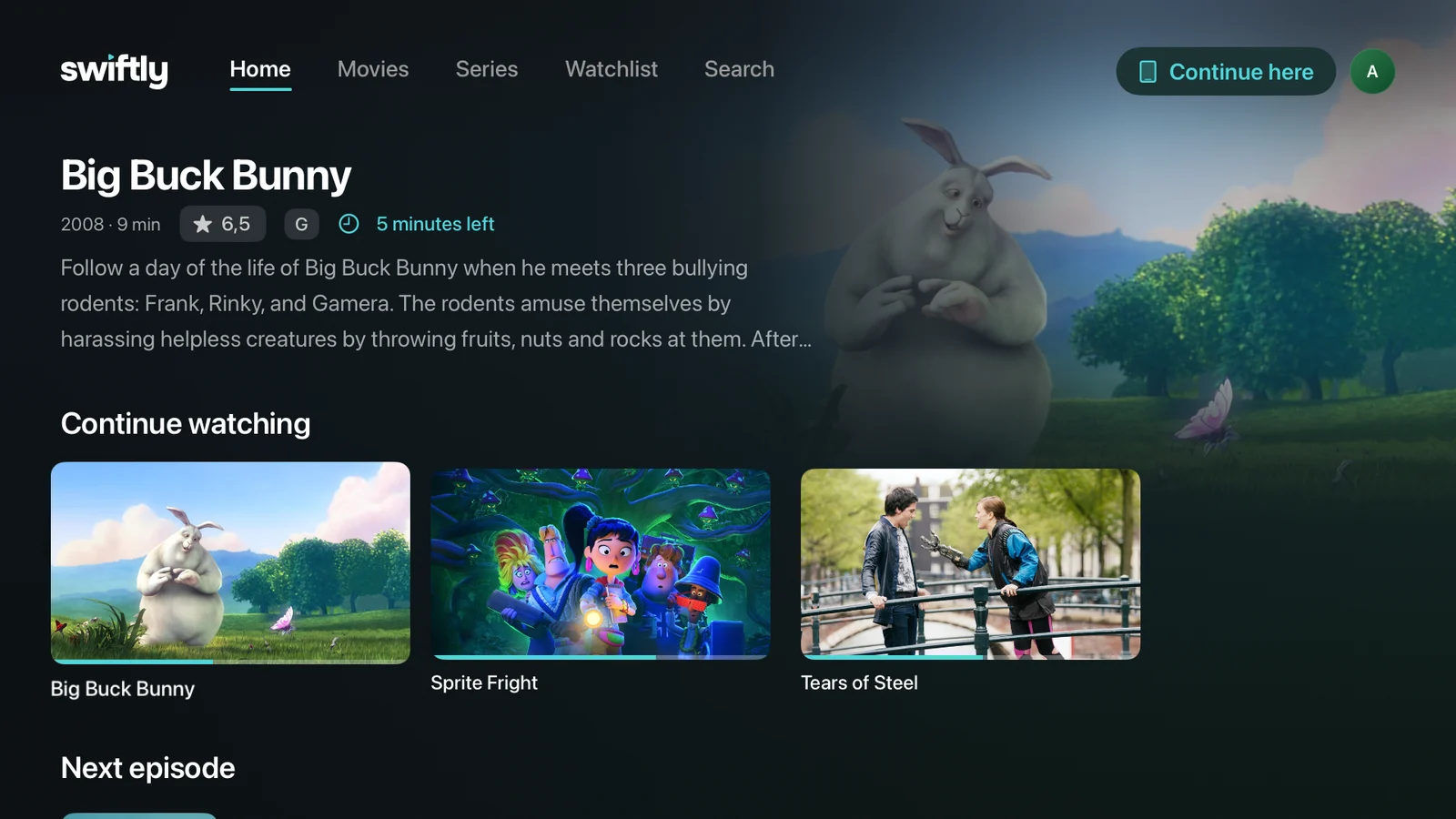
Press Continue here on the TV.
Short answers here. The long ones are in the guides.
Yes. Swiftly Player is the client, so you need a Jellyfin server of your own. Here is how to set one up with Docker. It speaks the Jellyfin API and nothing else, so Plex and Emby will not work. How the three compare.
Jellyfin 10.8 or newer, up to the current Jellyfin 12. Skip Intro, Skip Recap and Skip Credits need 10.10 or newer, because that is where Jellyfin stores the segments.
Yes, and it stays that way: all the features you need are free, for everyone, with no ads and no account with me. Supporters get a few extras on top, like personalization and a thank-you. The source is on GitHub under the MPL-2.0.
iPhone, iPad, Apple TV and Mac, Android phones and Android TV, plus Windows and Linux. The Apple versions are one download from the App Store. Android is on Google Play, Windows and Linux come from GitHub.
From Google Play, on Android phones and Android TV with Android 9 or newer. On the TV, search for Swiftly in the Play Store, or install it from your phone and pick the TV. All steps.
No. Swiftly plays the original file with VLC, as Direct Play or Direct Stream, so your server has nothing to convert. Why other clients transcode. That covers MKV, HEVC, AV1, Dolby Vision, HDR10, TrueHD and PGS subtitles, and external subtitle files next to the video.
Yes, when your server knows where they are. With the Intro Skipper plugin, Swiftly shows Skip Intro, Skip Recap and Skip Credits. When an episode ends, the next one starts on its own.
Start a film on your iPhone and walk to the television. The Apple TV shows a button, one press, and it carries on at the same second. It works in every direction between your devices.
Yes, on iPhone, iPad and Mac. A download pulls the original file over Wi-Fi and plays it from storage. Which clients can download. A train without signal is fine.
Only what your own server needs: what you watched and where you stopped. There is no analytics, no account with me, and nobody in between.
On Discord or as a GitHub issue. Name the device, the app version and the file. If your Jellyfin dashboard shows Transcoding instead of Direct Play, that is worth a report too.
Free, no account with me. Every way leads to a short page that says what to do next.
Your support keeps Swiftly going. Open source, no ads, everything for watching stays free.
Linux and Windows here on the website. iPhone, iPad, Mac, Apple TV and Android inside the app, through the App Store and Google Play.
 Continue watching

 Continue watchingContinue watching