
Help Swiftly grow
Your support keeps Swiftly going.
Open source, no ads, everything for watching stays free.
 Continue watching

 Continue watchingContinue watching
Where to buy
iPhone, iPad, Mac, Apple TV, Android and Android TV. You support inside the app, through the App Store or Google Play.
Linux and Windows. You buy right here and get a key for those two.
What you get
Watching stays free. Supporters get these extras.
The app icons

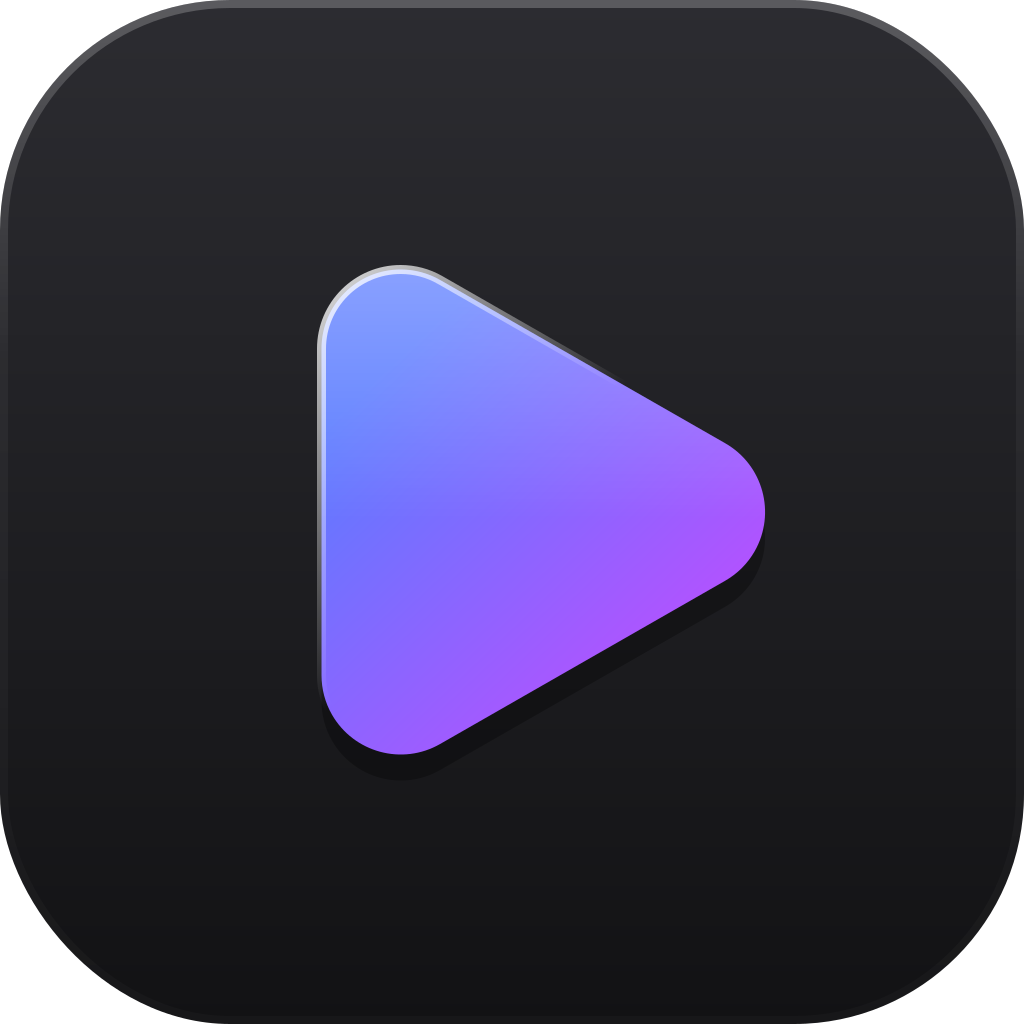

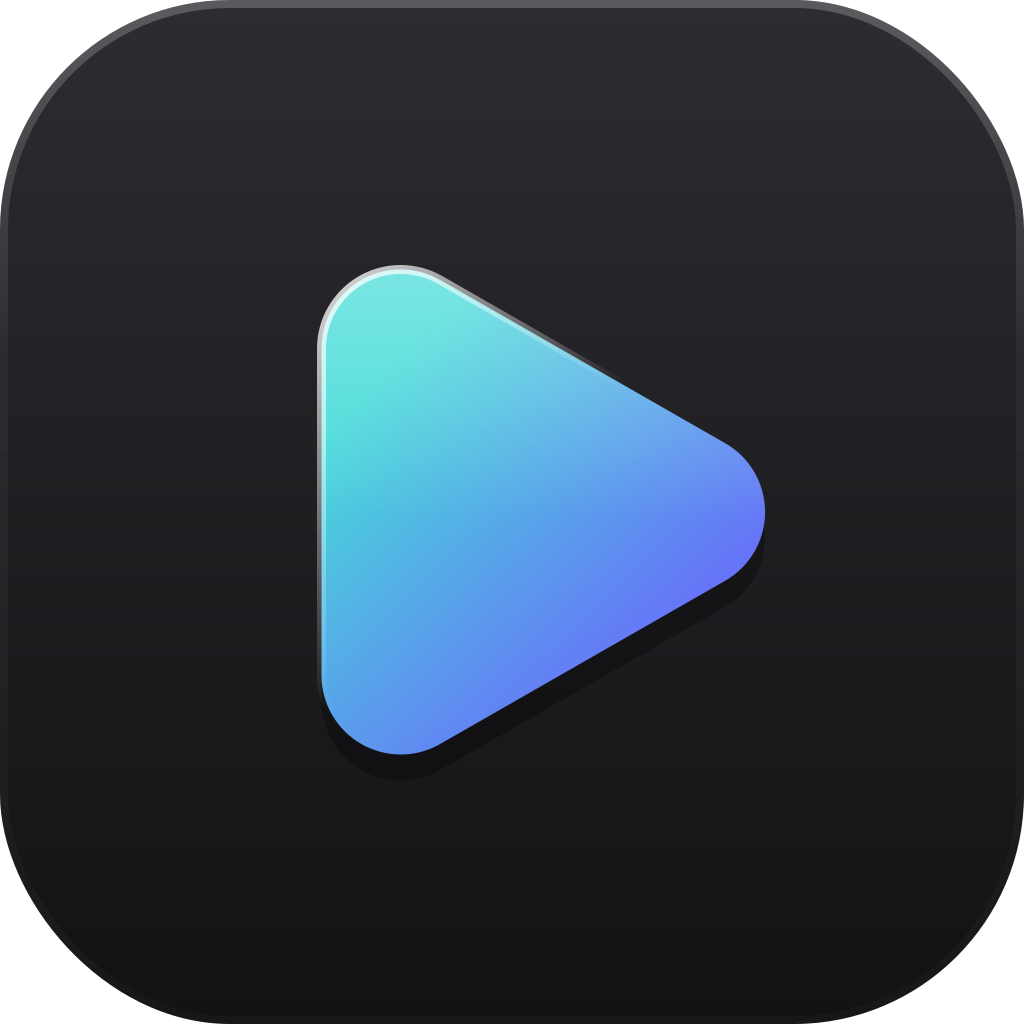




App icons depend on what each system allows.
Support on Linux and Windows
Same prices as in the stores.
Questions
Anything else? info@swiftlyplayer.com
Is Swiftly still free?
Yes. Everything you need to watch, download and keep in sync is free, with no ads. Extras change how Swiftly looks, never what it can do.
Where does the key go?
After paying you get a supporter key on the thank-you page and by email. In Swiftly Player on Linux or Windows, open Settings, then Support Swiftly, choose “I have a supporter key” and paste it. A monthly key renews itself in the app while your plan runs.
Can I cancel?
Yes, any time, under Cancel your plan or with the link in your confirmation email. Your order number or key is enough. A monthly plan then ends at the end of the period you paid for. Bought through the App Store or Google Play? Cancel there, in your Apple Account or Play subscriptions.
Can I get a refund?
Write to info@swiftlyplayer.com with your order number. In the apps, Apple and Google handle refunds.
What happens when my plan ends?
The extras pause and Swiftly goes back to its own look. Your choices stay saved and come back when you support again.
Do I need an account?
No. No account with us and no tracking. If you give a name for the credits, we use it for that and nothing else. Store purchases stay with Apple or Google, and we only see anonymous totals.
We make Swiftly in the open, with help from many.